Updated for Phoenix
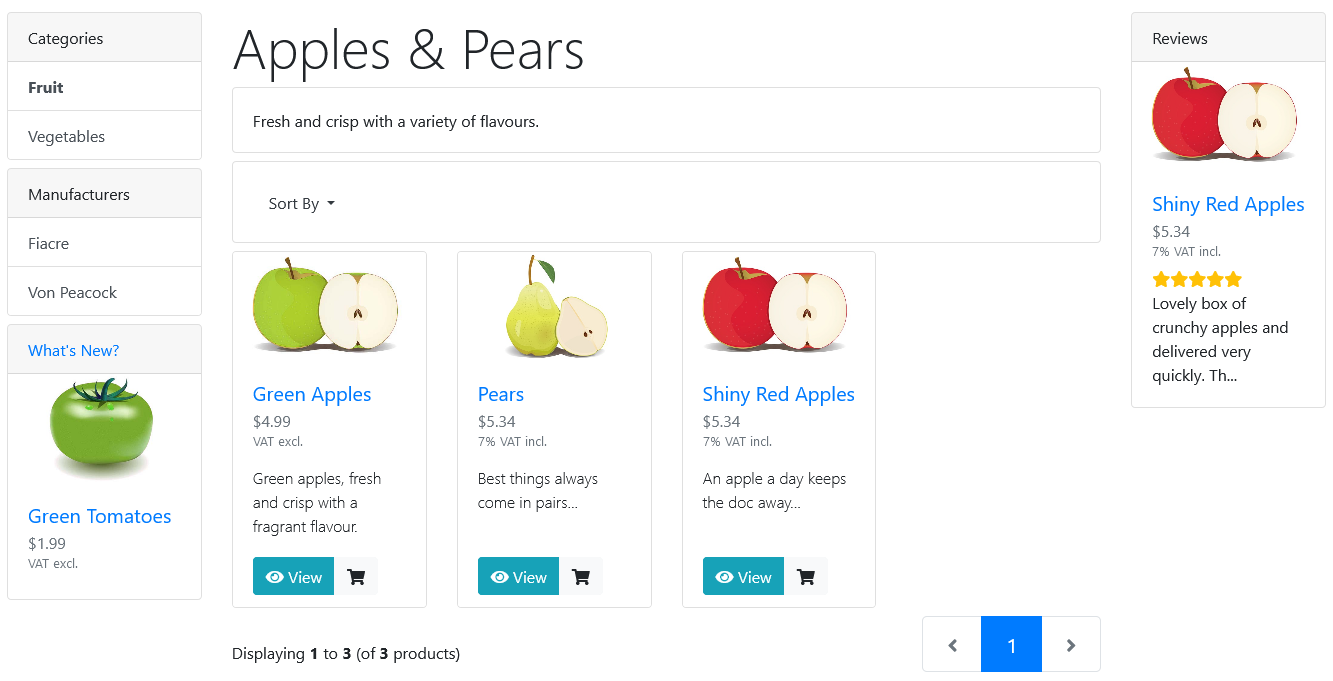
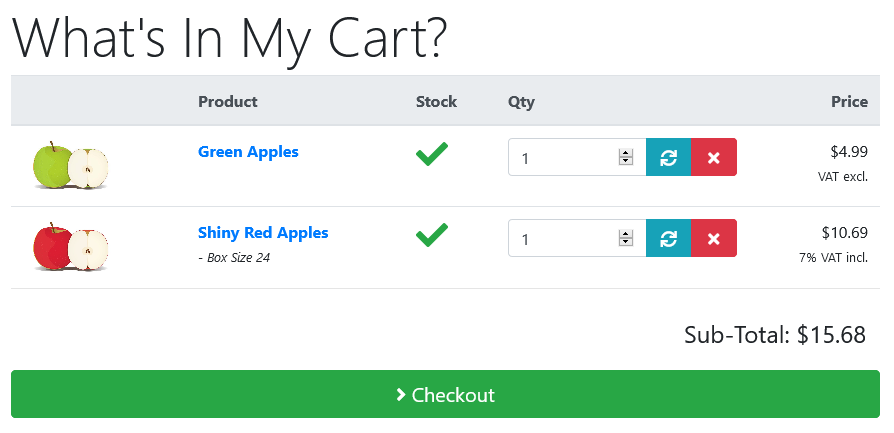
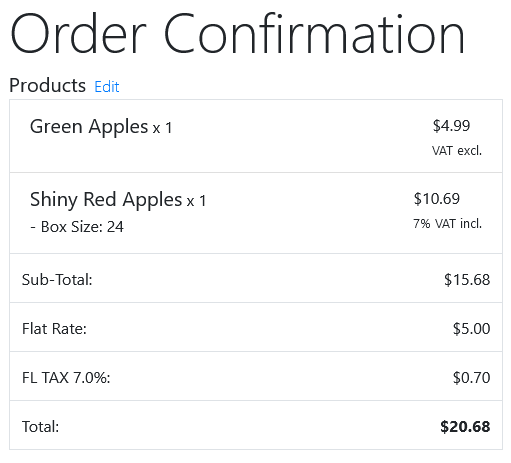
It will display the following below the price on each page included in the module:
1. If the tax value of the displayed price is = 0:
Shows: "VAT excl." or any other text you define in the language file
2. If the tax value of the displayed price is not = 0:
Shows: "XX% VAT incl." or any other text you define in the language file
Where XX is the value of the tax in percentage as defined in admin/tax rates
Note: For other languages/uses its possible to define a text string before the tax rate and another after the tax rate:
Example: for german it will look like this: "inkl. XX % MwSt."
Version: 4.5
Installation:
Very easy, modularized
Copy 2 files + 2 language files
Install 1 module in Admin
Includes support and modified files for:
- Options Images Addon
- QTPro Addon
Compatibility:
Phoenix Cart 1.0.8.16+
Tested with Phoenix 1.0.9.1
PHP 7.0 - 8.2
Phoenix Cart Support Forum:
Display Tax Info V3.0